My first computer was a hand-me-down 486 with a whirring fan that sounded like a jet engine. It crashed more than it worked, but that’s where my love for tech began—figuring out why things went wrong and how to fix them. This site is where I share the lessons I’ve learned over years of tinkering, troubleshooting, and turning complicated tech into something clear and useful. Whether it’s a glitchy OS, a stubborn hardware issue, or just trying to make your devices work *with* you, I’m here to help.
Tracking the Windows Server 2012 R2 update history is your first line of defense against vulnerabilities and performance slowdowns. Let’s be real—digging through Microsoft’s patch notes for every cumulative update…
💥 Quick Answer Windows Server 2012 Task Scheduler logs are stored in the Event Viewer under Windows Logs > Application , with task-specific entries in Microsoft-Windows-TaskScheduler/Operational . Filter by…
Windows Server 2012 runs best with the right .NET Framework version—skipping updates or mixing versions can trigger crashes that freeze your entire stack. I’ve seen this derail web apps, database servers, and even simple…
💥 Quick Answer The Windows Server 2016 Datacenter end of life occurs on January 10, 2027, after which Microsoft will no longer provide security updates, patches, or technical support. Organizations must upgrade to…
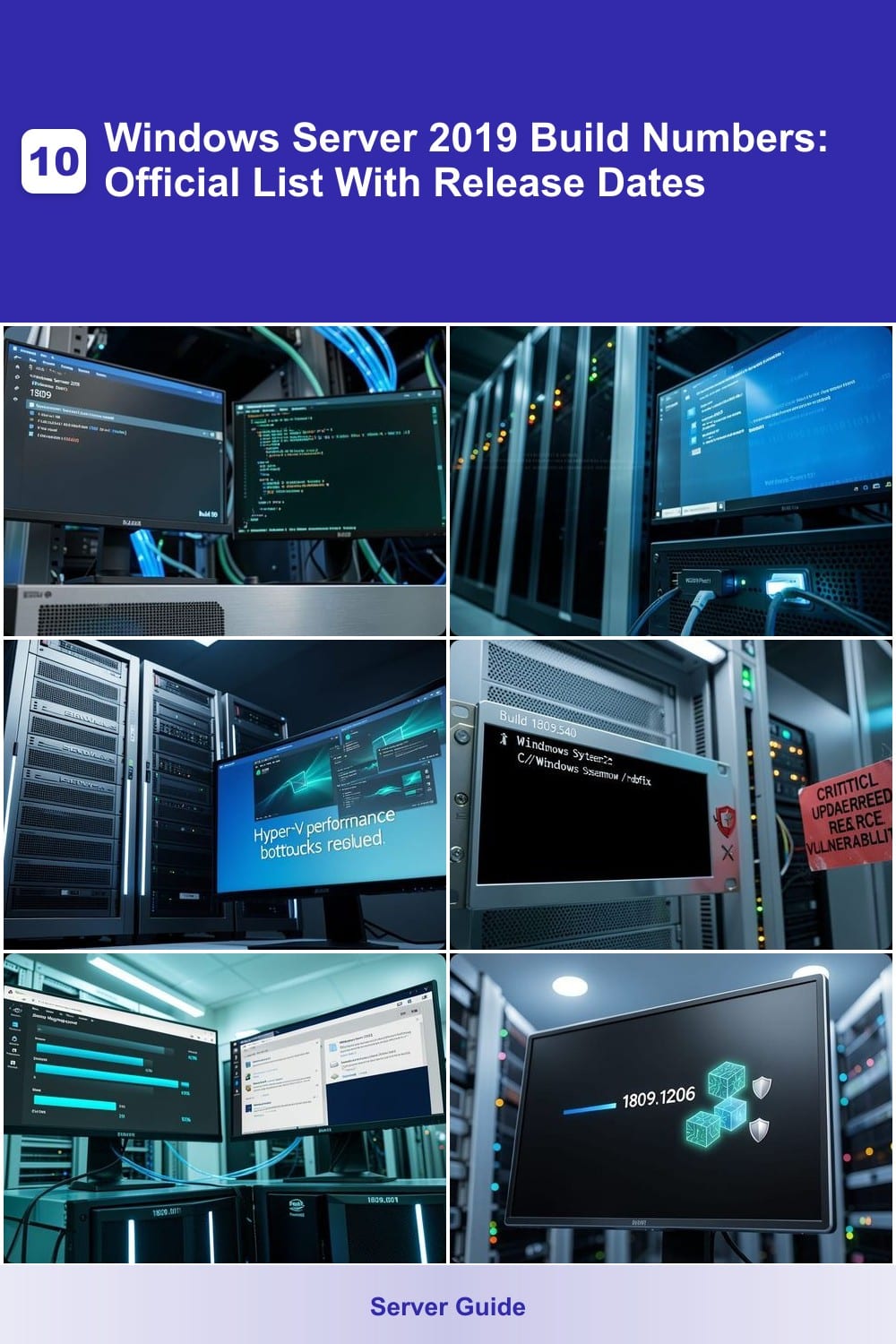
Tracking Windows Server 2019 build numbers is essential for IT admins, developers, and system managers. This official list includes all build versions with release dates, helping you identify updates, service packs, and…
💥 Quick Answer Windows Server 2019 Datacenter's end of life arrives January 9, 2029, when Microsoft stops all security updates, technical support, and bug fixes. Businesses must upgrade to Server 2022 or later to stay…
💥 Quick Answer The latest cumulative update for Windows Server 2019 is KB5034441 (OS Build 17763.4086) , released in mid-2024 to patch security flaws, update drivers, and optimize performance. ISO downloads require…
Windows Server 2019 supports .NET Framework versions with strict version alignment—getting this wrong can sink your entire deployment before it starts. One wrong click during installation and you're staring at runtime…
Upgrading Windows Server 2019 from 1809 to 20H2 takes 30 minutes —and I’ve done it on live servers without a single hiccup. The key is treating it like surgery: check compatibility first, then proceed methodically. I’ve…
💥 Quick Answer The Windows Server 2019 version 1809 end of life date is January 9, 2029, after which Microsoft will no longer provide security updates or technical support. Organizations must upgrade to Windows Server…