
Software
Microsoft SQL Server Management Studio (SSMS) has evolved significantly since its 2005 debut, becoming the essential tool for database administrators and developers. This comparison explores each version’s key features, compatibility changes, and performance improvements to help you choose the right version for your workflow.
SQL Server Management Studio 2005

Step back in time to the first unified interface for SQL Server 2005—a groundbreaking release that replaced older tools like Enterprise Manager and Query Analyzer with a single, streamlined environment.
SQL Server Management Studio 2005 introduced object explorer, query editor, and database diagram tools in one package, running on Windows XP/Server 2003. While it lacked modern features like IntelliSense or cloud integration, it set the foundation for all future SSMS versions, including support for SQL Server 2005’s new T-SQL enhancements like table variables and XML data types.
This version remains a must-know for understanding SSMS’s early limitations—like no native PowerShell support or cross-platform compatibility—while offering a nostalgic look at database management before cloud and AI took over. 💻
SQL Server Management Studio 2008

If you’re working with geospatial data or complex data structures, SQL Server Management Studio 2008 was the game-changer you needed. Released alongside SQL Server 2008, this version introduced groundbreaking features like table-valued parameters and spatial data types, which unlocked new possibilities for developers handling location-based or hierarchical data.
The spatial data types (GEOMETRY, GEOGRAPHY) let you store and query geographic data directly in SQL Server, while table-valued parameters simplified passing multiple rows to stored procedures. Performance improvements in query execution plans and the IntelliSense feature made debugging easier than ever. It also introduced the Activity Monitor for real-time server performance tracking.
This version was a must-have for developers migrating from older SQL Server versions or building applications requiring geospatial analysis (like logistics or mapping tools). If you’re maintaining legacy systems with these features, SSMS 2008 remains a reliable choice. ✨
SQL Server Management Studio 2008 R2
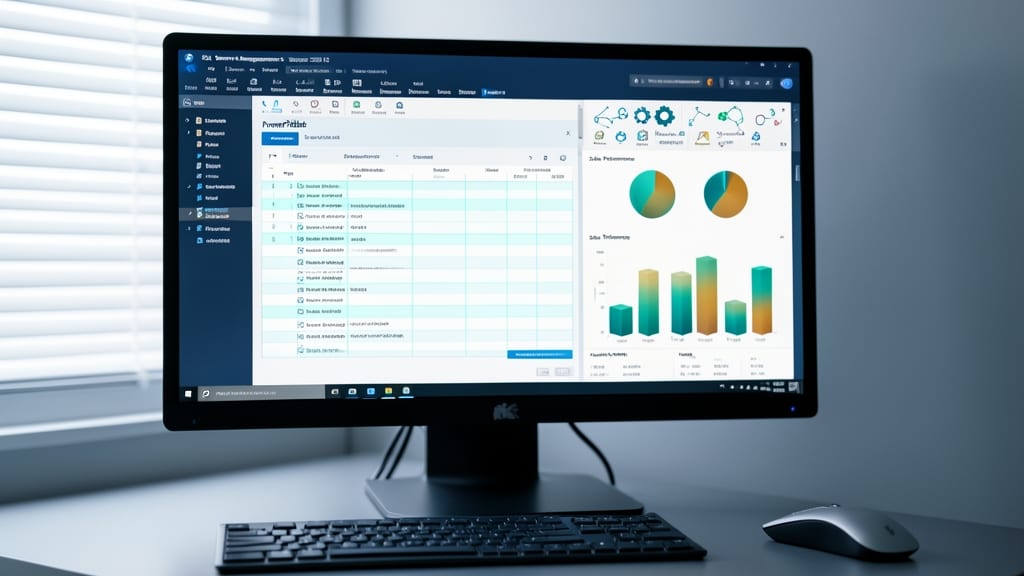
If you’re a business intelligence (BI) professional upgrading from older SQL Server versions, SQL Server Management Studio 2008 R2 was the game-changer you needed. It introduced PowerPivot integration, a self-service data analysis tool that lets users create complex pivot tables and visualizations directly within Excel—without needing IT intervention.
The performance boosts in 2008 R2 included faster query execution (thanks to optimized execution plans) and improved memory management for large datasets. This version also refined the SQL Server Integration Services (SSIS) experience, making it easier to design and deploy ETL workflows. The 64-bit support further unlocked scalability for enterprise workloads.
BI teams migrating from SQL Server 2005 or 2008 found this version ideal for self-service analytics and data modeling, bridging the gap between technical and non-technical stakeholders. ⚡
SQL Server Management Studio 2012
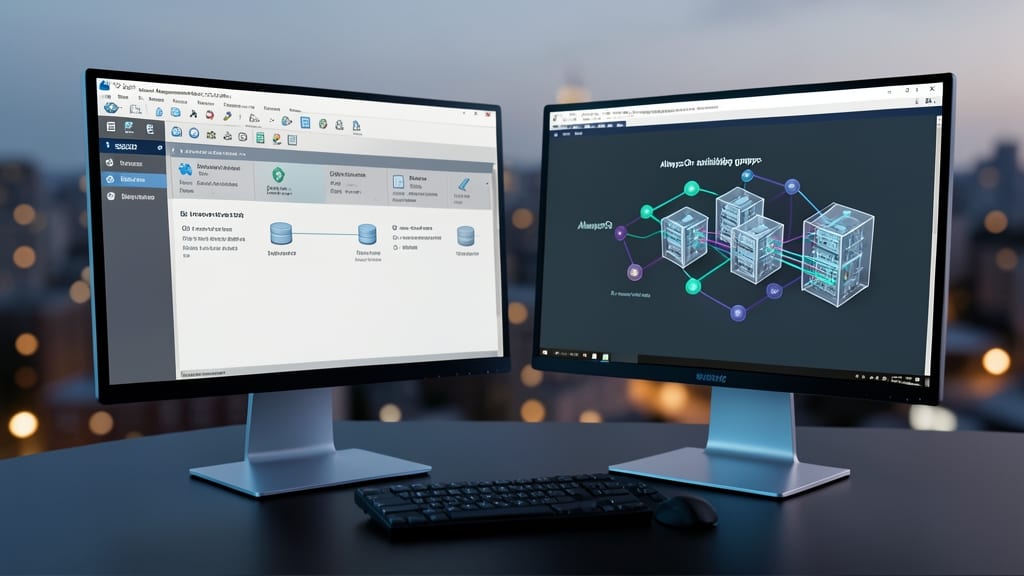
When downtime isn’t an option, SQL Server Management Studio 2012 introduced AlwaysOn availability groups—a game-changer for enterprises needing near-zero data loss and automatic failover. This version transformed SSMS into a high-availability powerhouse, letting you sync multiple databases across servers with minimal latency.
The query design tools got a major upgrade too, with improved IntelliSense for faster SQL writing and a visual query plan that made optimization intuitive. Compatible with SQL Server 2012’s native backup compression, it also cut storage costs while boosting performance for mission-critical workloads.
Perfect for finance, healthcare, or e-commerce teams where uptime equals revenue, SSMS 2012 remains a battle-tested setup. ⚡
SQL Server Management Studio 2014

If your database handles thousands of transactions per second and you're tired of sluggish performance, SQL Server Management Studio 2014 introduced a game-changer: In-Memory OLTP. This feature lets you offload critical workloads into memory, reducing latency and boosting throughput for high-frequency operations like financial systems or real-time analytics.
The version also refined query tuning with enhanced execution plans and live query statistics, giving you real-time insights into bottlenecks. Compatible with SQL Server 2014, it became the go-to for developers optimizing OLTP workloads while maintaining backward compatibility. The improved IntelliSense and debugging tools further streamlined development for complex transactions.
This version is ideal for financial systems, e-commerce platforms, or any high-transaction environment where speed matters. ⚡
SQL Server Management Studio 2016

If your applications now rely on JSON data or need to crunch big data alongside traditional SQL, SQL Server Management Studio 2016 was the game-changer you didn’t know you needed. This version broke new ground by introducing native JSON support—finally letting you store, query, and manipulate semi-structured data without workarounds.
The real standout? PolyBase, a feature that lets you query Hadoop or Azure Blob Storage directly from SQL Server using T-SQL. Need to analyze petabytes of unstructured data alongside your relational tables? No ETL pipeline required—just write a query. Other improvements included query store for performance tracking and temporal tables for auditing changes over time. It also ran on Windows 10, aligning with Microsoft’s shift toward modern OS support.
This version is perfect for modern web apps using APIs (thanks to JSON) or data lakes where relational and big data coexist. Developers building hybrid cloud solutions will appreciate how it bridges the gap between structured and unstructured data without forcing a complete architecture overhaul. ✨
SQL Server Management Studio 2017
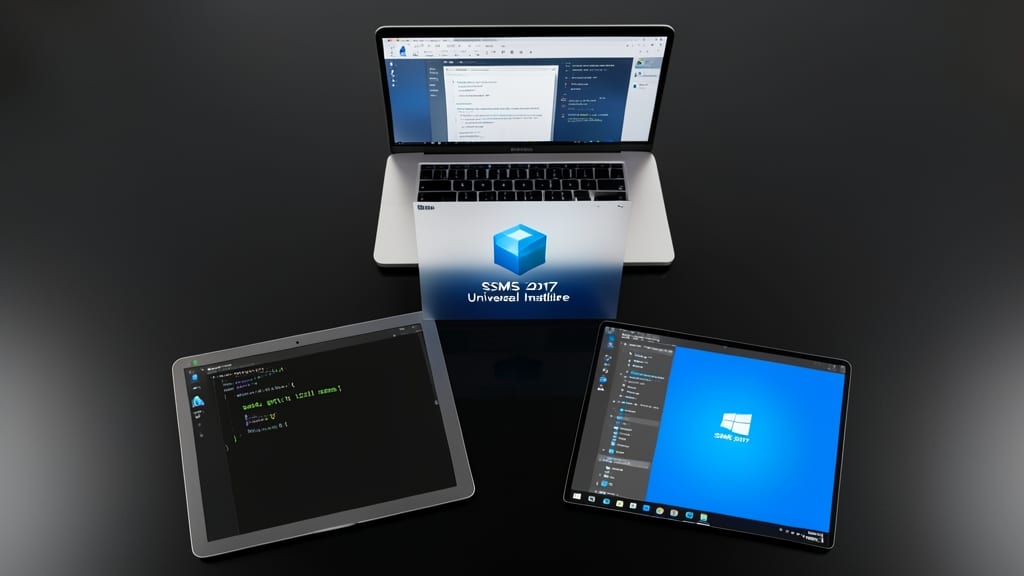
If your team works across Linux, macOS, and Windows, SSMS 2017 was a game-changer. Microsoft finally broke free from Windows-only limitations, letting developers manage SQL Server 2017 instances on any platform—no virtual machines required.
The cross-platform installer (Linux/macOS/Windows) paired with native support for SQL Server on Linux meant DevOps teams could standardize tools. You also gained Linux-specific extensions and SSH tunneling for secure remote connections, bridging the gap between cloud and on-prem environments.
This version became the go-to for cloud-native apps and mixed DevOps stacks, especially when paired with Docker containers. 💻
SQL Server Management Studio 2019
If you’re migrating to Azure SQL databases or need smarter query writing, SQL Server Management Studio 2019 is the bridge between legacy tools and modern cloud-first workflows. This version introduced AI-powered IntelliSense that learns from your coding patterns, reducing syntax errors and speeding up development.
The enhanced Azure SQL Database tools let you manage cloud-based databases directly from SSMS, with features like query store analysis and performance insights for AI-driven optimization. Compatibility with SQL Server 2019 and backward support for older versions make it versatile for hybrid environments.
Perfect for cloud architects and data professionals transitioning to Azure, SSMS 2019 blends legacy reliability with forward-looking cloud features. ✨
SQL Server Management Studio 18.x

If you’re managing SQL Server in Docker containers or need compliance-ready security tools, SSMS 18.x is your bridge between legacy and modern workflows. This was the last standalone release before Microsoft fully merged SSMS into Azure Data Studio, making it a critical stop for teams still relying on traditional SSMS features.
Key upgrades include enhanced container support for Docker deployments, letting you manage SQL Server instances directly from your host machine without complex setup. The security compliance tools were also beefed up, adding features like role-based access control (RBAC) auditing and TDE (Transparent Data Encryption) improvements—perfect for enterprises preparing for audits.
Ideal for DevOps teams running hybrid environments or security-conscious admins needing compliance-ready tools, SSMS 18.x ensures a smooth transition before Azure Data Studio takes over. ✨
SQL Server Management Studio 2022

If you're managing Azure Synapse Analytics or diving into AI-driven database optimization, SQL Server Management Studio (SSMS) 2022 is the first version to bring these capabilities directly into your workflow. Microsoft packed this release with tools designed to future-proof your data strategies.
The standout feature is AI-assisted query tuning, where the tool analyzes your SQL queries and suggests optimizations in real-time—no manual guesswork required. For cloud integrations, deep Azure Synapse support lets you seamlessly manage hybrid environments, syncing on-premises SQL Server instances with cloud analytics. It also introduces enhanced security compliance tools tailored for modern regulatory needs, like GDPR or HIPAA.
This version is a must-have for data architects and analytics engineers working with hybrid cloud setups or adopting AI-driven insights. Whether you're migrating legacy databases to the cloud or building next-gen data pipelines, SSMS 2022 bridges the gap between traditional SQL and modern analytics. ✨